
- System Menu; click on the icon (3 horizontal lines) to access the system menu pop-up page
系统菜单;点击图标(3条横线)进入系统菜单弹出页面
- Open Item Key; used to enter an open price item that is not within the menu/product & services list
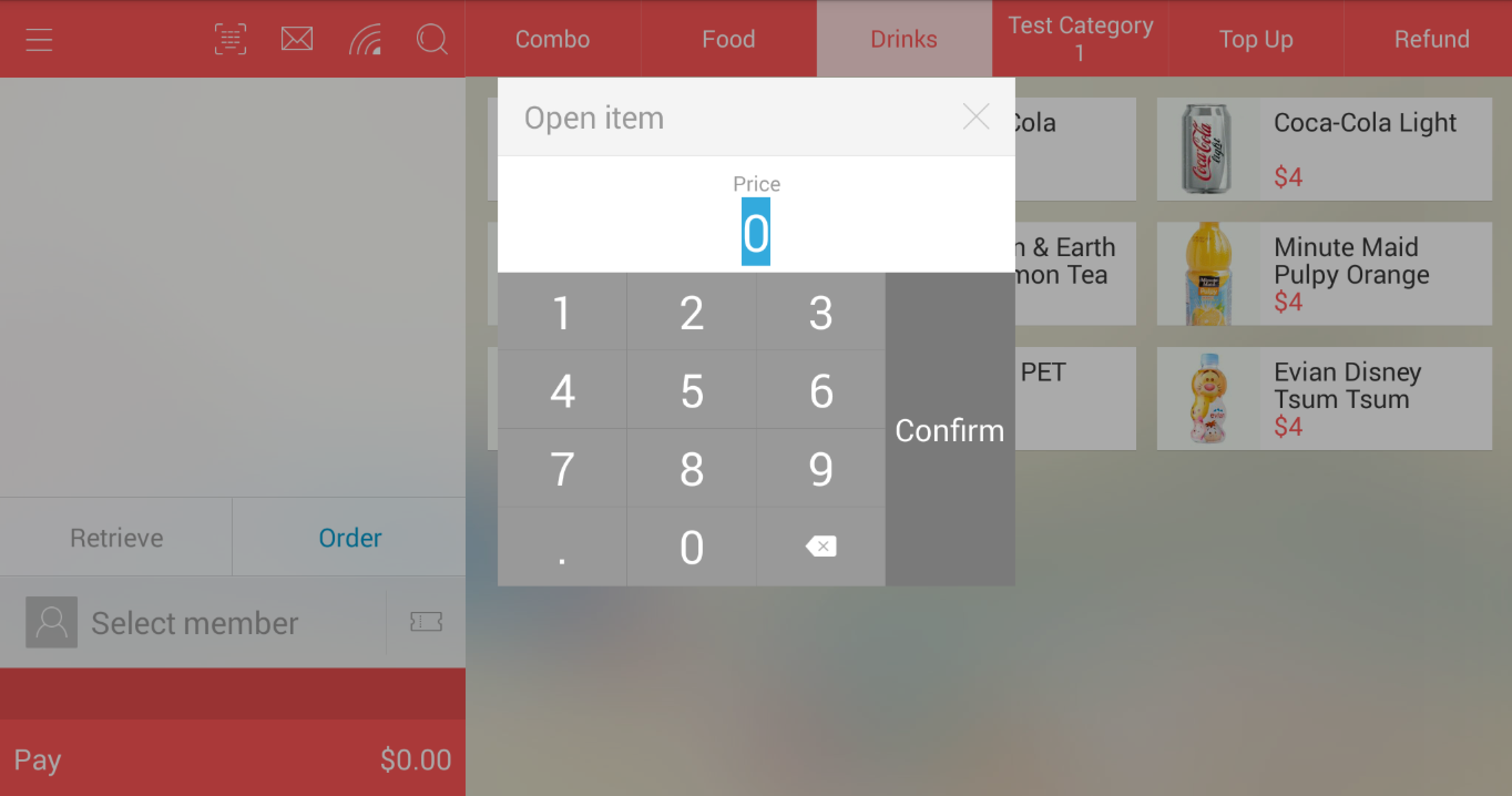
无码商品键;用于输入不在菜单或产品服务列表中的临时价格商品 - Notification centre; to view any incoming deliveries
通知中心;用于查看任何传入的送货订单
- Connection Status; used to check your connection status for Wifi, internal thermal printer and external kitchen printers/kitchen display systems
连接状态;用于检查 Wi-Fi、内置热敏打印机以及外部厨房打印机/厨房显示系统的连接状态 - Search function; used to search for your products based on product name (click on the "shortcut" to enable on screen keyboard) or product barcode (by typing or scanning)
搜索功能;用于根据产品名称(点击“快捷方式”启用屏幕键盘)或产品条形码(通过输入或扫描)搜索产品
- Product categories; all your categories will be displayed here
产品分类;所有的分类都将显示在这里 - Individual product; individual products found within the category
单件产品;该分类下的具体产品 (To prompt the item's pop-up menu for more details, click on the item image)
(若要弹出商品菜单查看更多详情,请点击商品图片) - - OR -
- 或者 -
(Click on the item's name and price to add it directly to cart without prompting the pop-up menu)
(点击商品的名称和价格可将其直接添加到购物车,而不会弹出菜单) 
- Retrieve hold bill; used to retrieve bills that have been put on hold, typically used in a restaurant concept or when customers are unable to confirm/pay their orders at the point of time
取单;用于提取已挂单的账单,通常用于餐厅模式或客户暂时无法确认/支付订单时 Clear; the "Retrieve" icon will convert to "Clear" once item(s) is added to the shopping cart, use this function to clear your existing shopping cart all at once
清空;一旦商品添加到购物车,“取单”图标将变为“清空”,使用此功能可一次性清空现有购物车
- Order; this functions enables the customer's display in-built camera (only available to specific models of devices) to act as a barcode/QR code scanner, typically used for on-going promotional items sent to customer in the form of a QR code
下单/扫码;此功能可启用客显屏内置摄像头(仅限特定设备型号)作为条形码/二维码扫描仪,通常用于扫描发送给客户的促销二维码
Hold; the "Order" icon will convert to "Hold" once item(s) is added to the shopping to the shopping cart, use to hold bills, typically used in a restaurant concept or when customers are unable to confirm/pay their orders at the point of time
挂单;一旦商品添加到购物车,“下单”图标将变为“挂单”,用于保存账单,通常用于餐厅模式或客户暂时无法确认/支付订单时 (Hold by queue number)- OR -
(按排队号挂单)- 或者 - (Hold by preset table number)
(按预设桌号挂单) - Select member; used to search and select a member (click on the "shortcut" to enable on screen keyboard)
选择会员;用于搜索并选择会员(点击“快捷方式”启用屏幕键盘)
- Coupons; used to enter coupon code to be entitled for coupon-specific discount/promotions
优惠券;用于输入优惠券代码以享受特定的折扣或促销 - Payment button; proceed to payment page (grand total amount shown on the right side)
支付按钮;进入支付页面(右侧显示总金额)
Comments
Post a Comment